Kling 4.0Kling 4.0 AI Video Generator | Kling AI Try Free · 30s · Native 4K
Every frame. Your direction.
Build a scene with realistic motion, synchronized sound and a story that has room to unfold. Explore 30-second generation, 10 keyframes and the creative control of Kling 4.0.
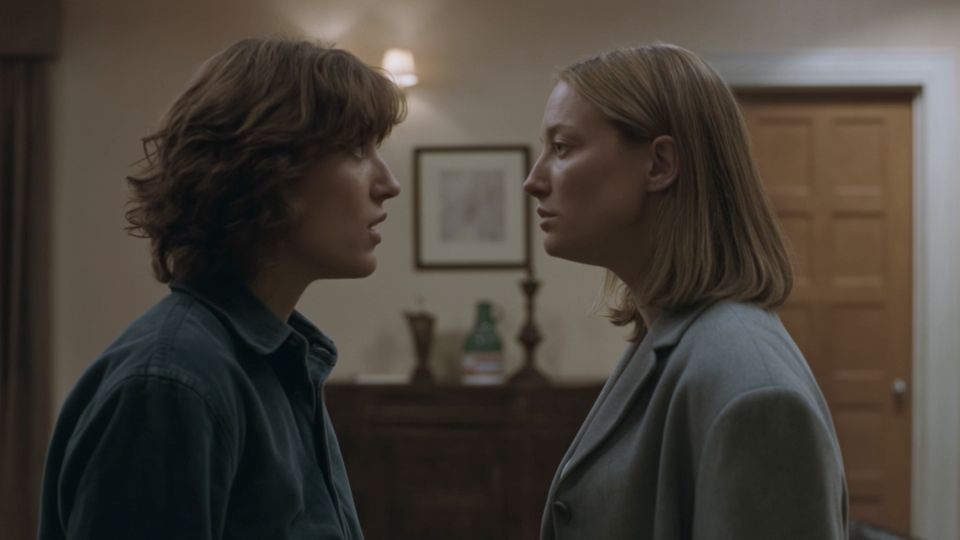
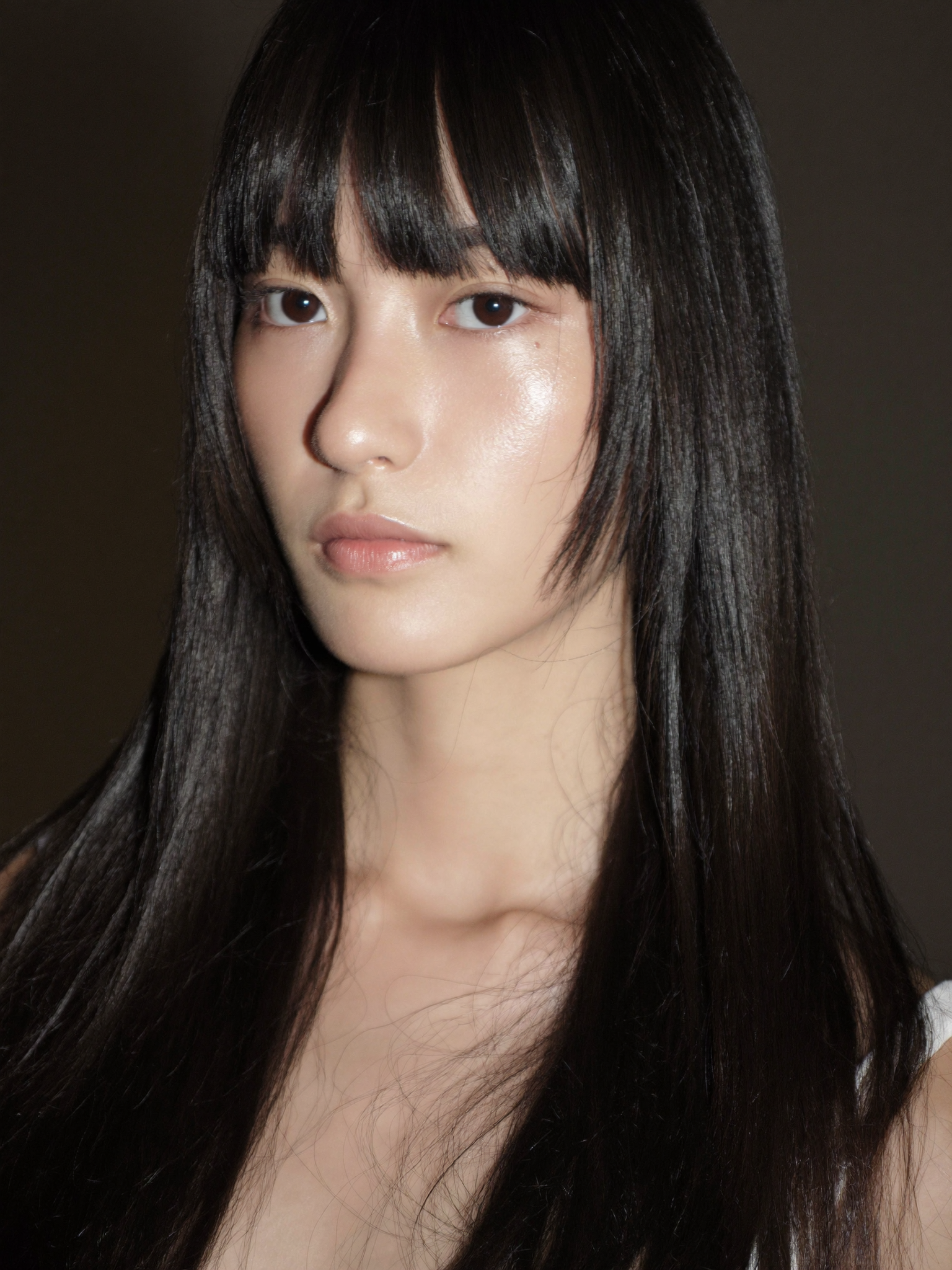
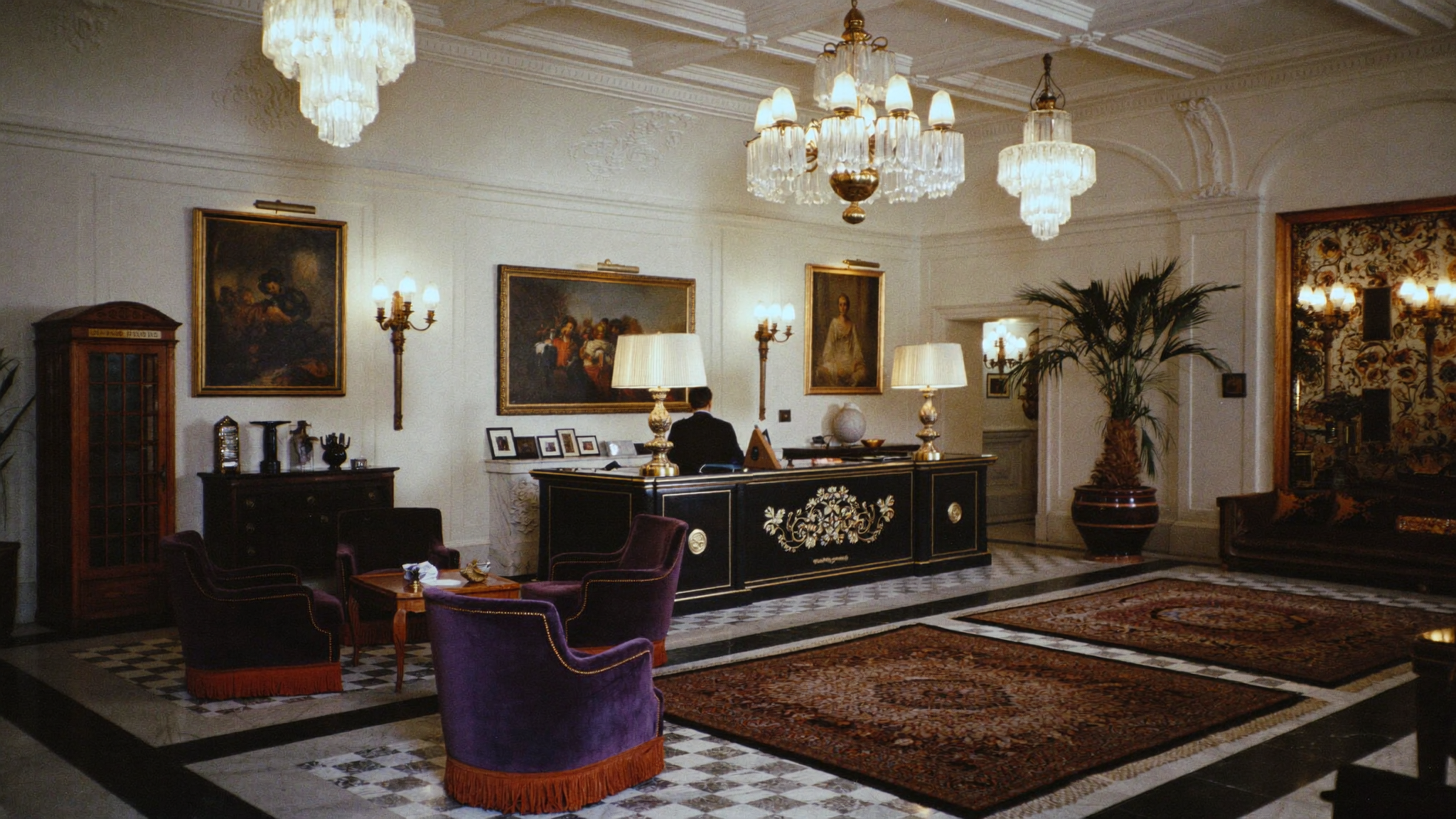
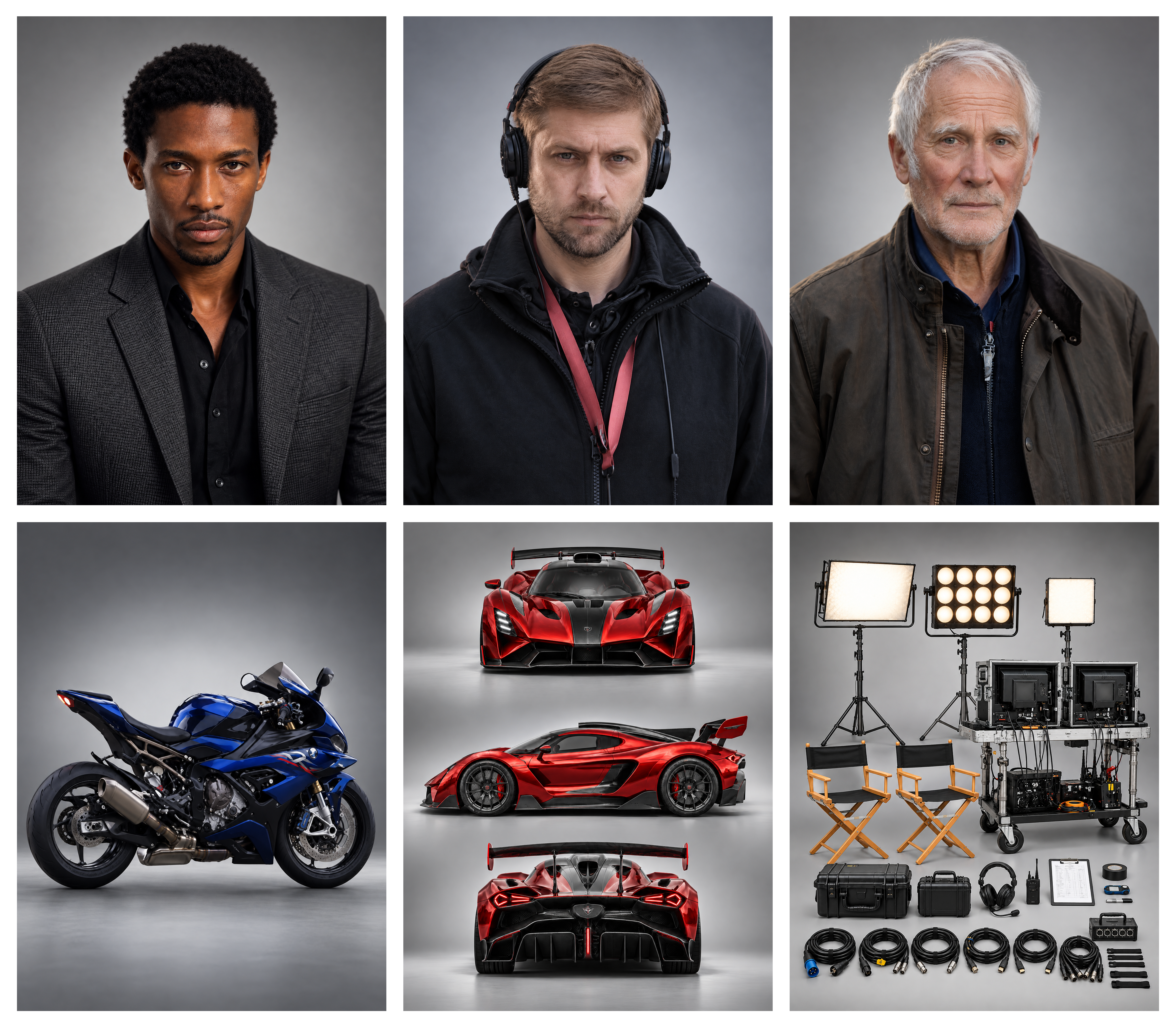
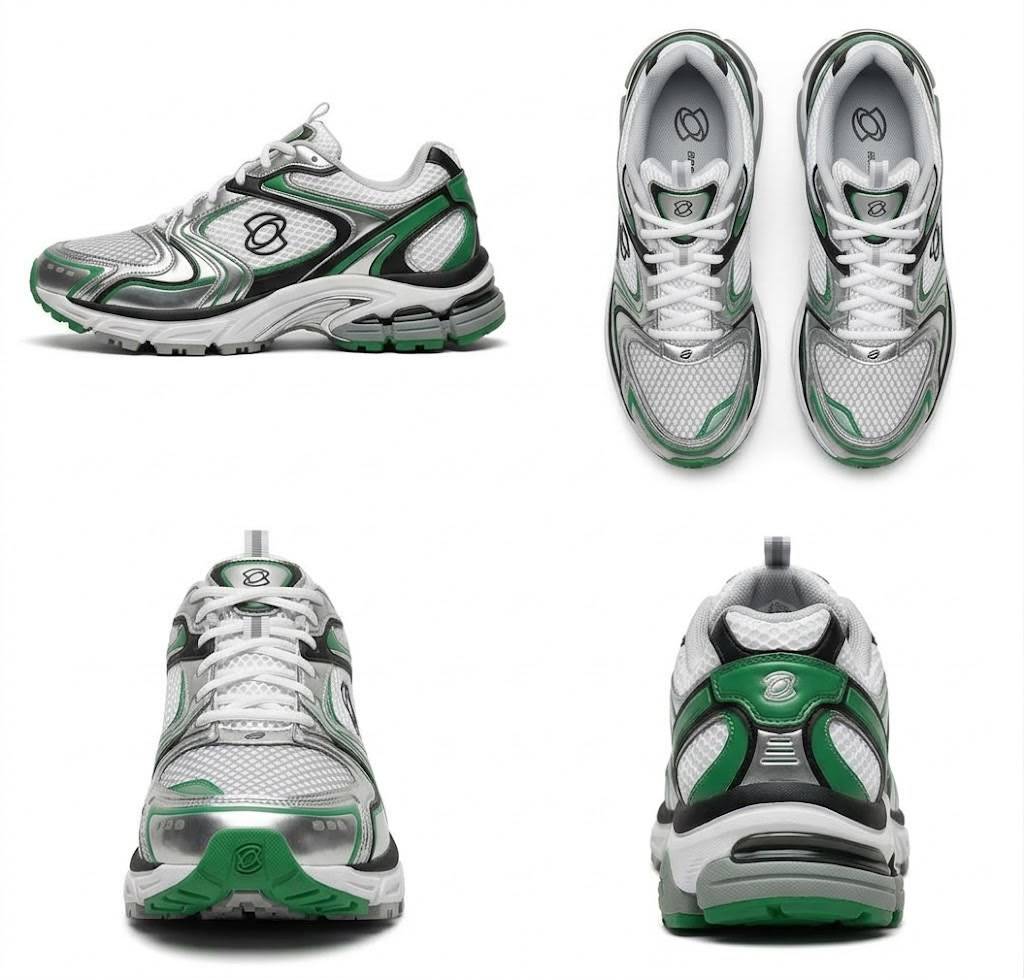
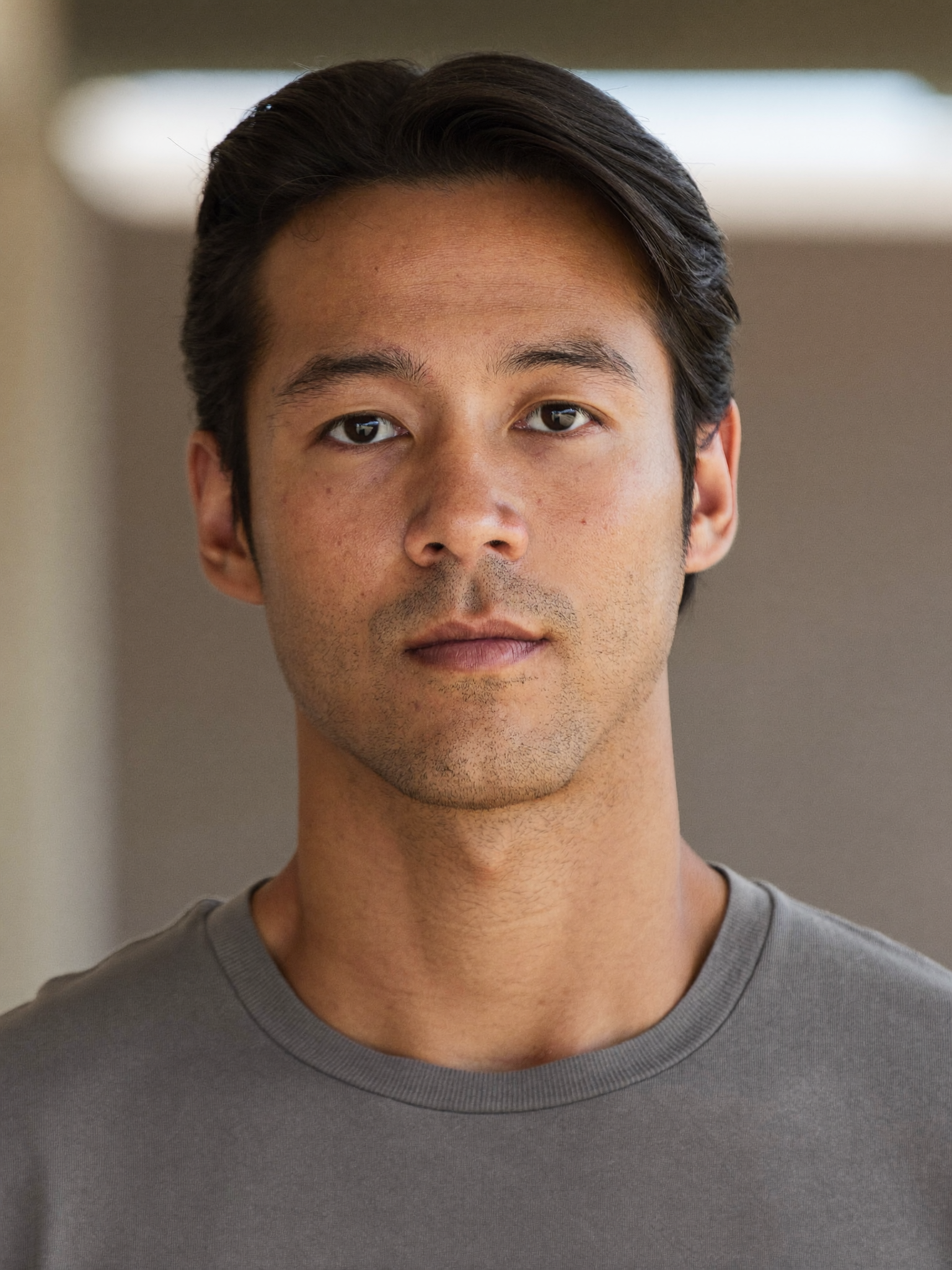
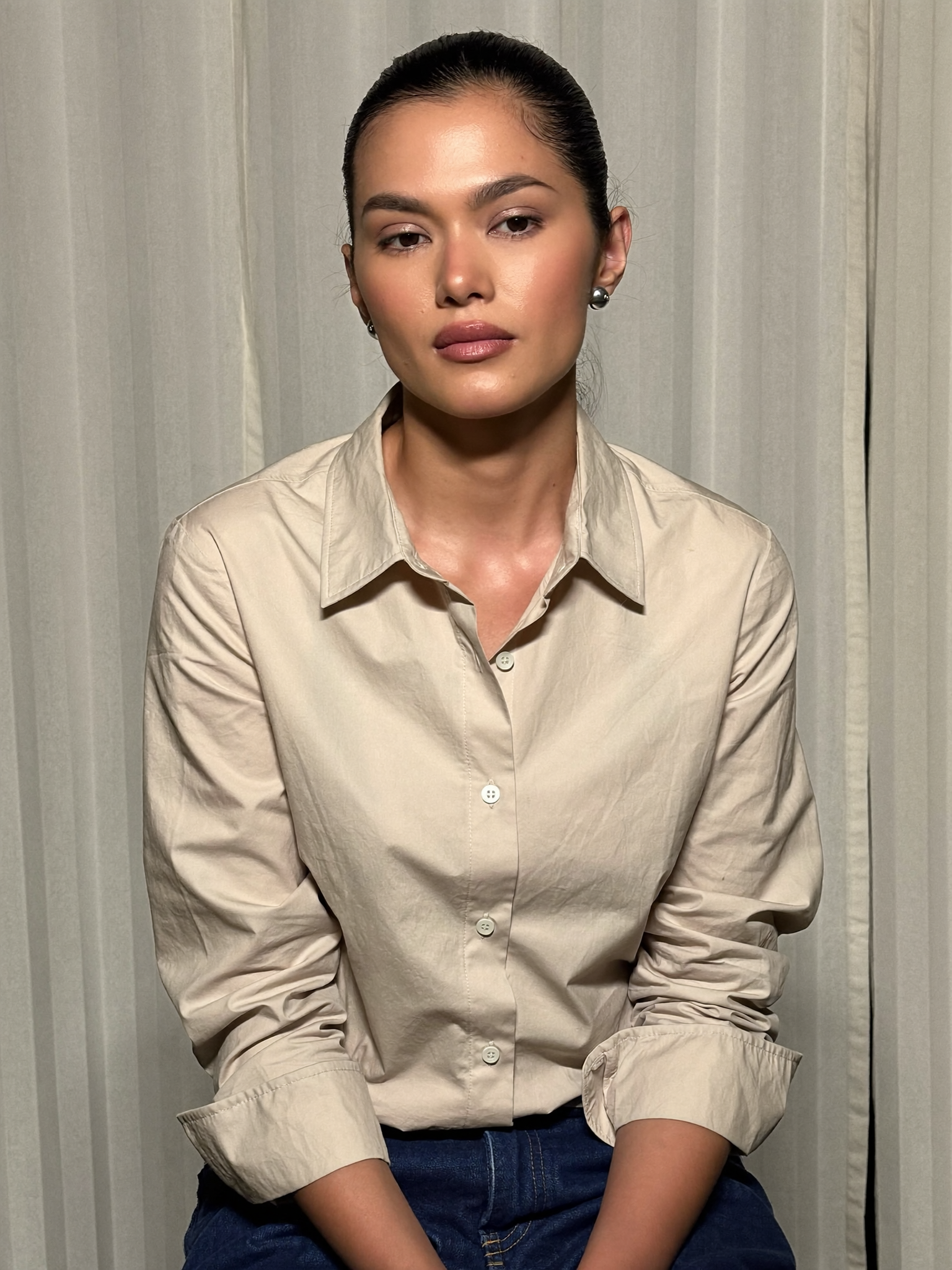
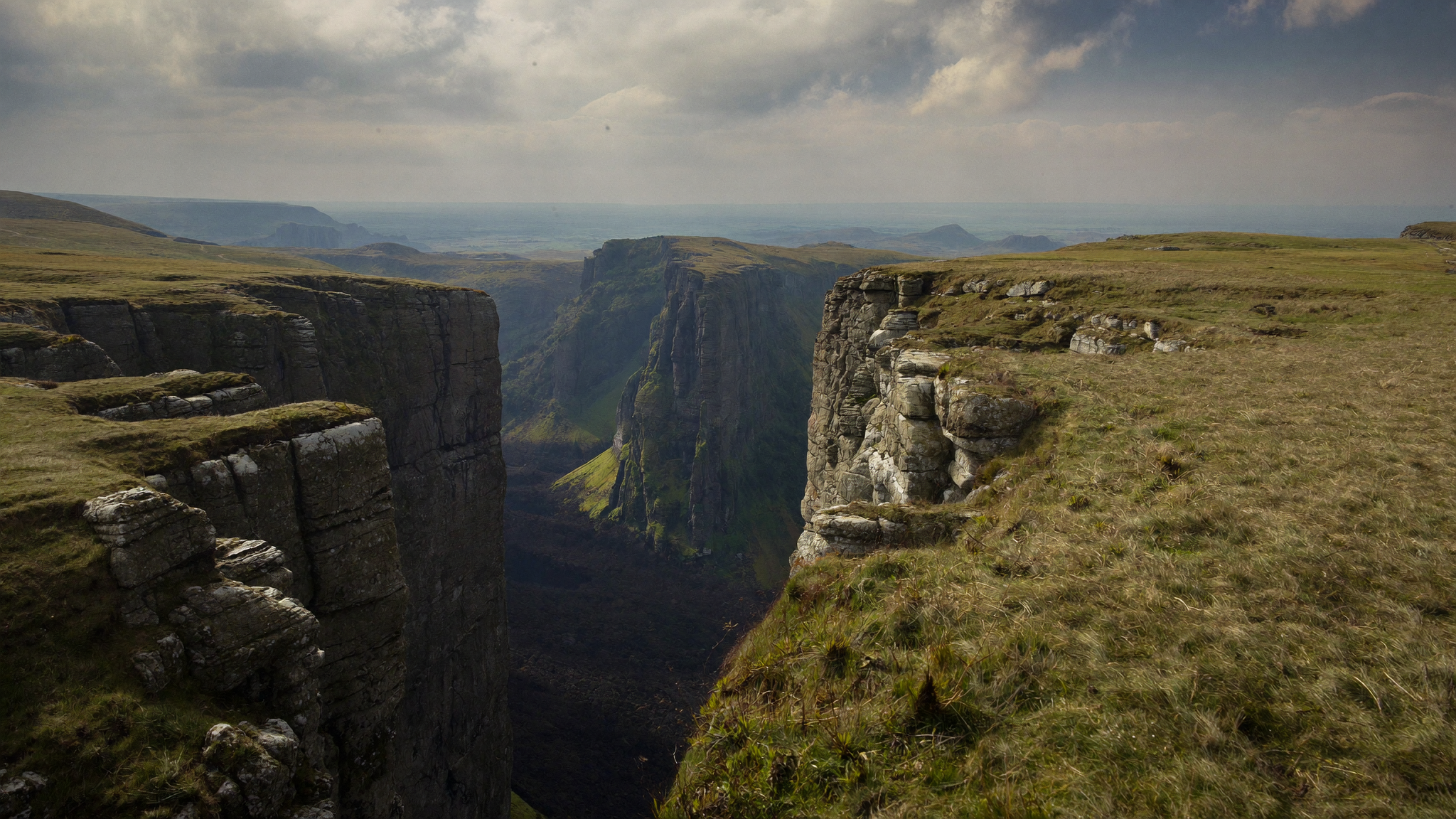
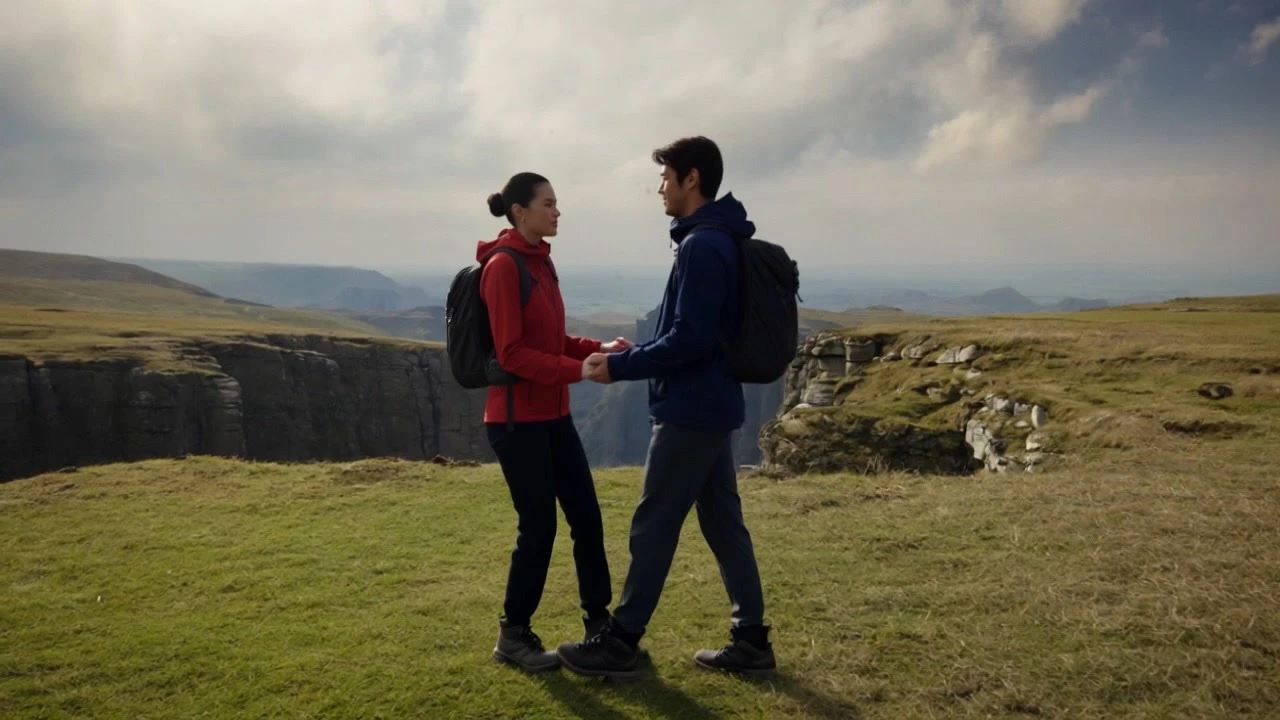
Kling 4.0 preview · example from the referenced showcase
30s
Single-generation video
10
Keyframe images
15
Combined references
4K
Listed output resolution
What is Kling 4.0?
Kling 4.0 is the next generation of the Kling AI video model family. It turns text or images into video, combines visual and voice references, and lets creators plan individual moments with multiple keyframes. Its focus is a more coherent scene: believable movement, stable subjects and sound that follows the performance.
Guide the subject, movement and visual style with Omni Reference.
Combine up to 15 items across images, videos, voice references and subjects. The individual limits include 10 images, 5 videos totaling 30 seconds and 7 subjects; these share the overall 15-item budget.
Plan important visual moments instead of leaving every transition to chance.
Single-generation clips span 3–30 seconds. Up to 10 keyframe images guide character states, scene changes and story beats. Longer action can unfold in one continuous take.
Explore product films, short dramas, animation and campaigns for different audiences.
The announced model covers a wider range of visual styles, multilingual dialogue and readable in-scene text. Use references to keep product identity and composition aligned while exploring a new style.
A separate Kling 4.0 variant designed for frequent creative iteration.
Flash is announced with 3–20 second output at 720p and 8-bit SDR. It supports text-to-video, first-frame image-to-video and Omni Reference. The full model’s 4K and 10-keyframe specifications should not be assumed for Flash.
Kling 4.0 Flash
3–20 seconds
720p SDR
Reference input
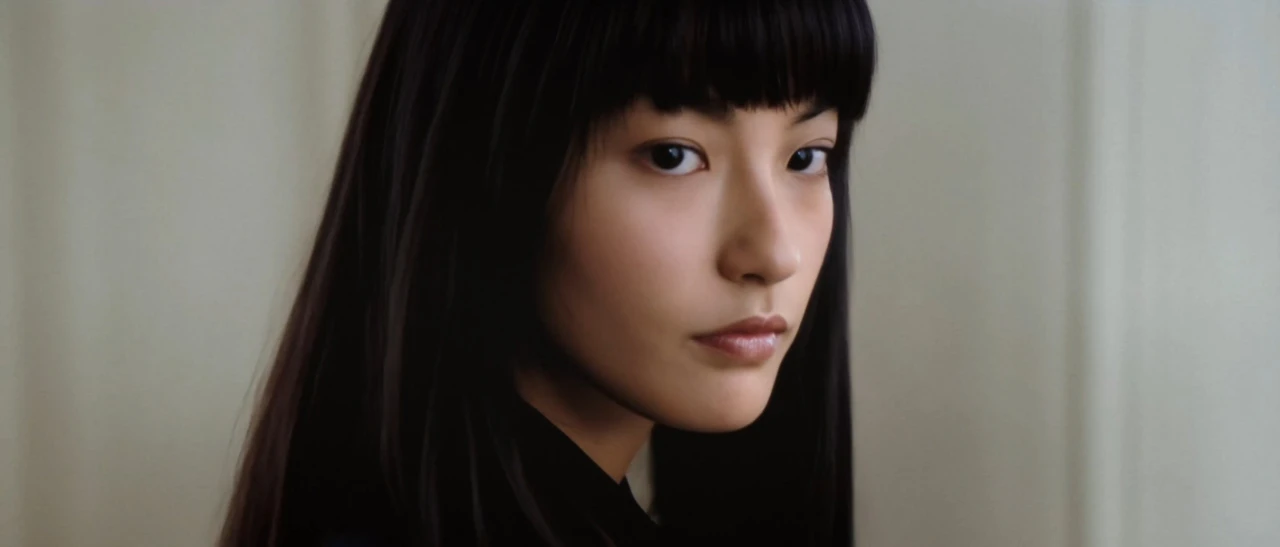
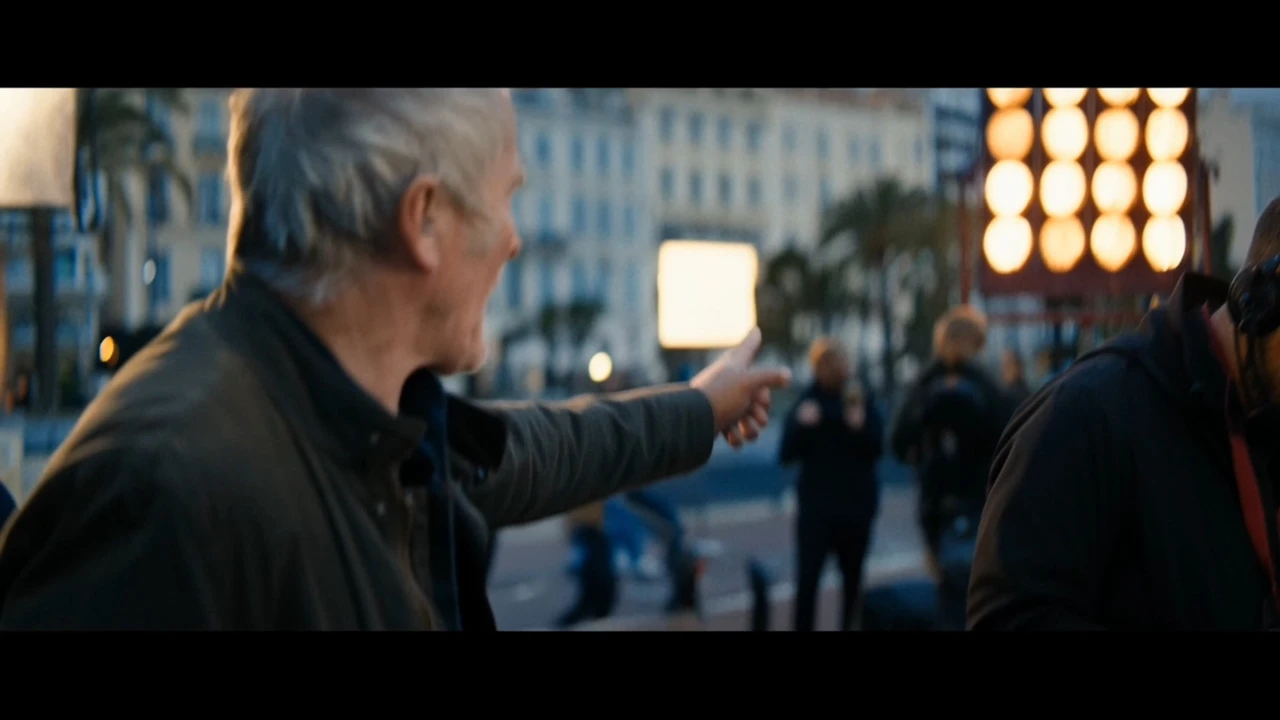
Published video example · Kling 4.0 Flash · kling4.tv
Kling 4.0 vs Kling 4.0 Flash: specifications
Announced model capabilities, with upcoming features marked separately. These are not a promise of settings available in this studio.
Kling 4.0 vs Kling 4.0 Flash: specifications
Capability
Kling 4.0
Kling 4.0 Flash
Video duration
3–30 seconds per generation
3–20 seconds per generation
Output resolution
720p / 1080p / 4K
720p
Dynamic range
10-bit HDR at 1080p / 4K — coming soon
8-bit SDR
Text-to-video
Supported
Supported
Image-to-video
First & last frames
First frame
Multi-keyframes
Up to 10 keyframe images
Not specified in the Flash table
Omni Reference
Supported; up to 15 combined items
Supported; limits not specified in the Flash table
Aspect ratios
21:9 / 16:9 / 1:1 / 9:16 / Auto
Not specified in the Flash table
Audio output
Two-channel stereo; voice reference input
Not specified in the Flash table
Prompt input
Up to 8,000 tokens
Not specified in the Flash table
Video editing
Up to 5 clips, one primary; 3–30s each, ≤30s combined
Not specified in the Flash table
Video extension
Repeated extension up to 2 minutes — coming soon
Not separately specified
Source: official Kling AI announcement. Access, output modes, pricing and rollout can vary. “Coming soon” features are not presented as already available. Official Kling 4.0 release notes
Choose how your video begins.
Prepare prompts, images and references for Kling 4.0. Explore these creative starting points while generation is coming soon.
Text to video
Start with a scene, one clear action, a camera move and the sound you want. Useful for original shots and early story exploration.
Image to video
Bring a product photograph, portrait or illustration. Describe what moves and what should remain unchanged.
Reference-led video
Plan visual and motion references to keep your subject consistent across the scene.
Kling 4.0 prompt examples to start from.
Describe the subject, action, setting, camera and audio. For a long take, define the beginning, middle and ending. These are original example prompts, not claims about generated results.
01
A cinematic product reveal
A matte-black perfume bottle on a wet stone plinth at dawn. Start in a close-up of water droplets, slowly orbit the bottle, then pull back to reveal the coastline. Keep the label unchanged. One continuous shot, soft side light, natural ocean ambience, no spoken dialogue.
02
A character scene with dialogue
Two friends meet outside a quiet café at sunset. The woman stops, smiles and says, “I thought you had left.” The man turns and replies, “Not without saying goodbye.” A gentle push-in, natural pauses, consistent faces, street ambience and clearly synchronized speech.
03
A story built around keyframes
Begin with the explorer at the entrance of a glass greenhouse. In the middle, follow her as she discovers a glowing plant. End with a close-up of her surprised expression. Match the supplied keyframe images and outfit, keep the action continuous, and use a smooth tracking camera.
Kling 4.0 or Seedance 2.5?
Start with the control your scene needs. Kling 4.0’s announcement highlights multiple keyframes, stereo performance and reference-led direction. Seedance 2.5 offers a different reference and editing workflow in this studio. Compare real model availability and matching settings before choosing; there is no universal quality winner for every prompt.
Kling4.0 / Kling4 and Kling AI 4.0 are common ways to refer to Kling 4.0, the next generation of Kling AI’s video model family. The lineup includes a full model and the separate Flash variant.
When is the Kling 4.0 release date?
The official announcement states an October launch and says limited Kling 4.0 Flash early access began September 28. It does not give a specific October launch day in the referenced note. Check the linked official release notes for current availability.
Can I generate Kling 4.0 videos on this website?
Kling 4.0 coming soon. Generation is not available on this website yet. This guide presents announced capabilities and published examples; availability will be updated here.
Does Kling 4.0 generate native 4K video?
The official specifications list 720p, 1080p and 4K output for the full model. The release note separately marks 10-bit HDR at 1080p and 4K as coming soon. Flash is listed at 720p. Check the official interface for the output mode available to your account.
How long can a Kling 4.0 video be?
The full model is announced for 3–30 seconds in a single generation; Flash for 3–20 seconds. Repeated video extension up to two minutes is described as coming soon and is different from a single-generation duration.
How do Kling 4.0 multi-keyframes work?
The announced full model accepts up to 10 keyframe images to guide important visual moments. A keyframe defines a moment in the sequence; an ordinary reference guides appearance, style or motion without necessarily fixing a specific point in time.
What are the Omni Reference input limits?
The full model lists a combined maximum of 15 items across images, videos, voice references and subjects. Within that total: up to 10 images, 5 videos totaling 30 seconds and 7 subjects, including at most 3 video-based subjects. These are overlapping limits, not quantities to add together.
Does Kling 4.0 support native audio and lip-sync?
The full model announcement lists two-channel stereo, synchronized dialogue and voice reference input. Audio reference input is for voice reference only. The Flash specification table does not separately confirm the same audio output settings.
What is the difference between Kling 4.0 and Flash?
The full model lists up to 30-second clips, 4K output and multi-keyframe control. Flash lists up to 20-second clips, 720p, 8-bit SDR, text-to-video, first-frame image-to-video and Omni Reference, with an emphasis on frequent iteration.
Is Kling 4.0 free, and what does it cost?
This page does not offer Kling 4.0 generation or quote an official 4.0 price. Access and trial credits depend on Kling AI’s current rollout and account terms. Our pricing page covers credits for the models already connected to this studio.
Can Kling 4.0 edit an existing video?
The full model announcement describes targeted video editing. It lists up to five input clips with one primary clip; each is 3–30 seconds, and their total duration must not exceed 30 seconds. Actual access depends on the official rollout.
Is this the official Kling AI website?
No. Seedance 2 is an independent AI creation platform. Kling AI’s official release notes are linked as the source for model specifications. Published examples are illustrative and do not imply Kling 4.0 is available in our studio.
Start with a scene worth making.
Kling 4.0 coming soon. Prepare your prompt, images and references, and explore the published examples while you wait.
Independent model guide by Seedance 2. Kling 4.0 specifications are sourced from Kling AI; showcase media is referenced from kling4.tv.